Join the movement and participate on Uniswap.
Participate

Help your root find its place in the world and navigate it with ease.
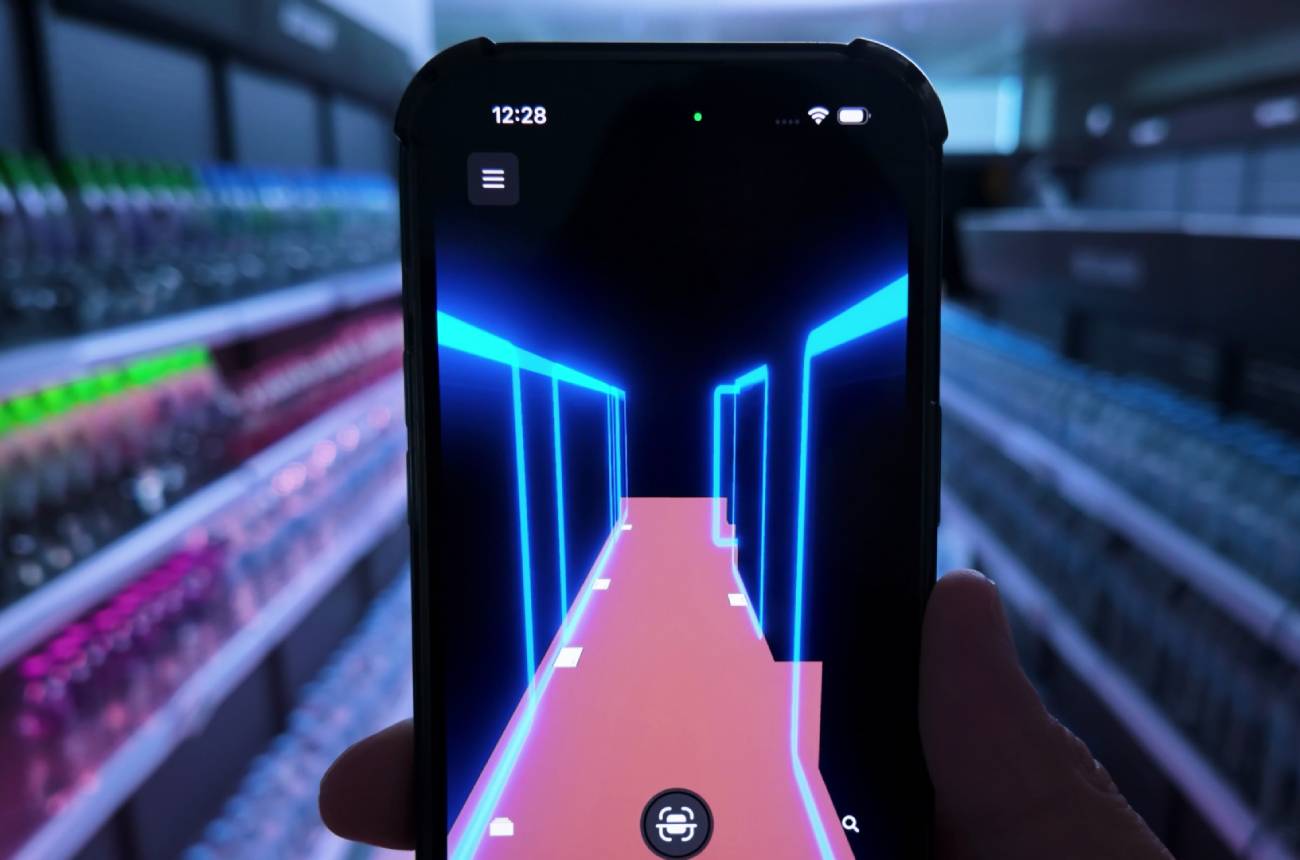
Probably the first question an embodied intelligence will ask when just turned on in its new workplace. GPS coordinates are not enough here; the robot needs to know where it is in its work environment and be able to navigate it, whether that’s an apartment, a restaurant, a hotel, a supermarket, or any other kind of place in the world. The Real World Web provides access to a network of maps that’s managed and maintained by people and robots who work in that location. These are called domains, and they provide storage for spatial data like point clouds, navigation and occlusion meshes, gaussian splats, etc. The domains anchor this spatial data to the physical world using specialized QR code markers, which are called portals. Let’s dive deeper into how to set up a test environment to try this out.
To make your physical location more accessible to the robots and AI, you should first make a domain for it on the Real World Web. Please follow this guide to create an account, generate portal QR codes, place them around your work environment, scan the space, and annotate it with spatial data.
https://www.auki.com/posemesh/domains
To find the pose of a robot in the domain coordinates, you need to take an image that contains a portal QR code in the view with one of its onboard cameras. Please check out this GitHub repository for how to do that in Python or a command-line interface.
Note: The detected pose will be of the camera on the robot that took the image, so if you need to find the pose of, say, the wheels or the feet, you’ll need to offset it according to your robot’s dimensions.
Currently, if there is no QR code in the image, the localization will fail. The next major update to the localization will support a visual positioning system, which will eliminate this requirement.
After finding the pose of the robot, you can get a path to any 3D point by sending an API request to the pathfinding module. This module, as well, is self-hostable and can be set up following the README on the GitHub repository.
https://github.com/aukilabs/pathfinding
The API key required by the server can be created on the console https://console.auki.network/
It makes use of the navigation mesh in the domain, so the parts of the space that are not marked as navigable on the Domain management Tool will be off-limits for the robot. If the start or finish points are off the navigation mesh, the closest point on the mesh will be selected.
Example request:
curl -X POST http://hosted-pathfinding-endpoint.example.com/spatial/findpath \
  -H "Content-Type: application/json" \
  -H "x-api-key: your_api_key" \
  -d '{
    "domainId": "your-domain-id",
    "wayPoints": [
      {"x": 0, "y": 0, "z": 0},
      {"x": 10, "y": 0, "z": 10}
    ],
    "radius": 0.5
  }'
The response will contain the full path and each of it’s segments with distances in meters for each.
Example response:
{
  "full": [
    { "x": 0, "y": 0, "z": 0 },
    { "x": 5, "y": 2, "z": 10 },
    { "x": 10, "y": 0, "z": 20 }
  ],
  "segments": [
    {
      "points": [
        { "x": 0, "y": 0, "z": 0 },
        { "x": 5, "y": 2, "z": 10 }
      ],
      "hasOffMeshStart": false,
      "hasOffMeshEnd": true
    },
    {
      "points": [
        { "x": 5, "y": 2, "z": 10 },
        { "x": 10, "y": 0, "z": 20 }
      ],
      "hasOffMeshStart": true,
      "hasOffMeshEnd": false
    }
  ],
  "totalDistance": 22.45,
  "segmentsDistances": [
    11.36,
    11.09
  ]
}
With this data, you can put your robots locomotion skills in use and make it move along the path while avoiding obstacles that might appear in real time in front of it.
申请 AUKI 代币补助金以启动您的项目,并直接与 Auki Labs 团队合作,将您的创意推向市场。成功申请者可获得价值高达 10 万美元的 AUKI 代币,以及 Auki Labs 团队提供的开发和营销支持。