Join the movement and participate on Uniswap.
Participate

Auki is on track to deploy robots in retail stores this year. But before those robots can flag an empty shelf, scan a price tag, or generate a nightly task list, they need to recognize what they're looking at. And for that, they need training data.
We're asking the community to help train our robots to read retail shelves. The task is straightforward: take photos in a store, then annotate where ESLs, paper price tags, or empty shelf spaces appear in each image.
As you may recall, we're focused on shipping robots that do perception tasks, for example shelf audits. Each night, robots drive around the store capturing camera data, and Cactus generates a task list: move products around, restock empty shelves, fix planogram compliance issues, to name a few.
Eventually, the robot will even be able to map the store. It just needs to record video while driving through the aisles, send those videos to reconstruction servers, and scan the barcodes on the shelves. Just like we do with our phones today when we set up stores. Mapping a store's full product inventory onto its shelves is the step that takes the longest during setup, and it's something the robot will do autonomously.
Before any of that happens, we need the robot's vision model to reliably detect three things on any shelf, in any store, under any lighting:
These three classes are deceptively hard. ESLs vary by manufacturer, screen state, and how they're clipped on. Paper tags get crumpled, faded, partially obscured by stock, or hung at odd angles. Empty space is the trickiest of the three — Cactus has to learn the difference between a deliberate gap, a product pushed back on the shelf, and a real out-of-stock. The only way through is volume and variety of real-world examples.
Next time you visit a supermarket, convenience store, pharmacy, or DIY store, take some photos of the shelves. Vary the distance and angle — close-ups and wider shots, slightly above or below eye level, are more useful than a dozen nearly identical frames from the same spot. Then upload the photos and mark where the above three things appear in each image.
Before you start, check whether there are any legal restrictions in your country — particularly around GDPR or private property rules. Obey any "no photography" signage. If a store employee asks you to stop, stop.
In most places, photographing products and shelf layouts in a public-facing retail space is fine. But the rules vary, and it's your responsibility to check.
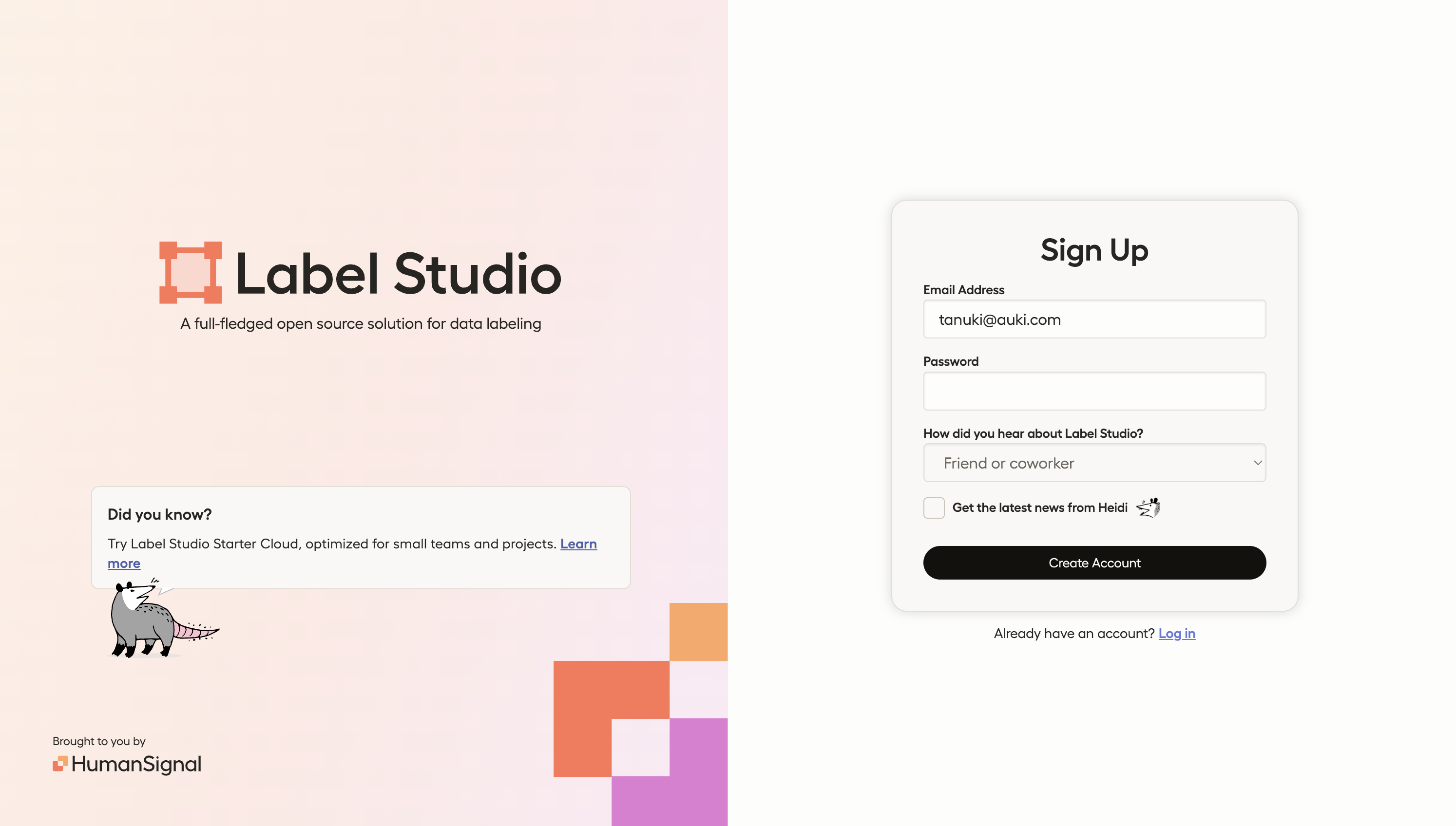
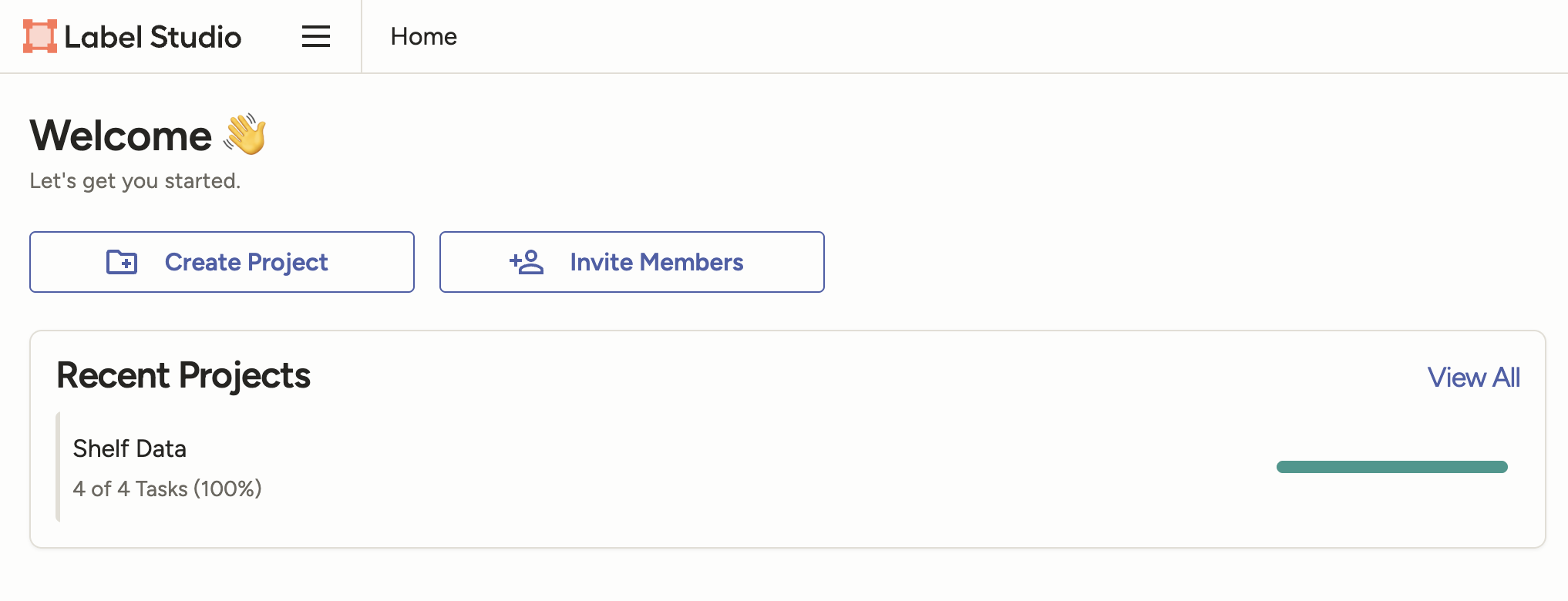
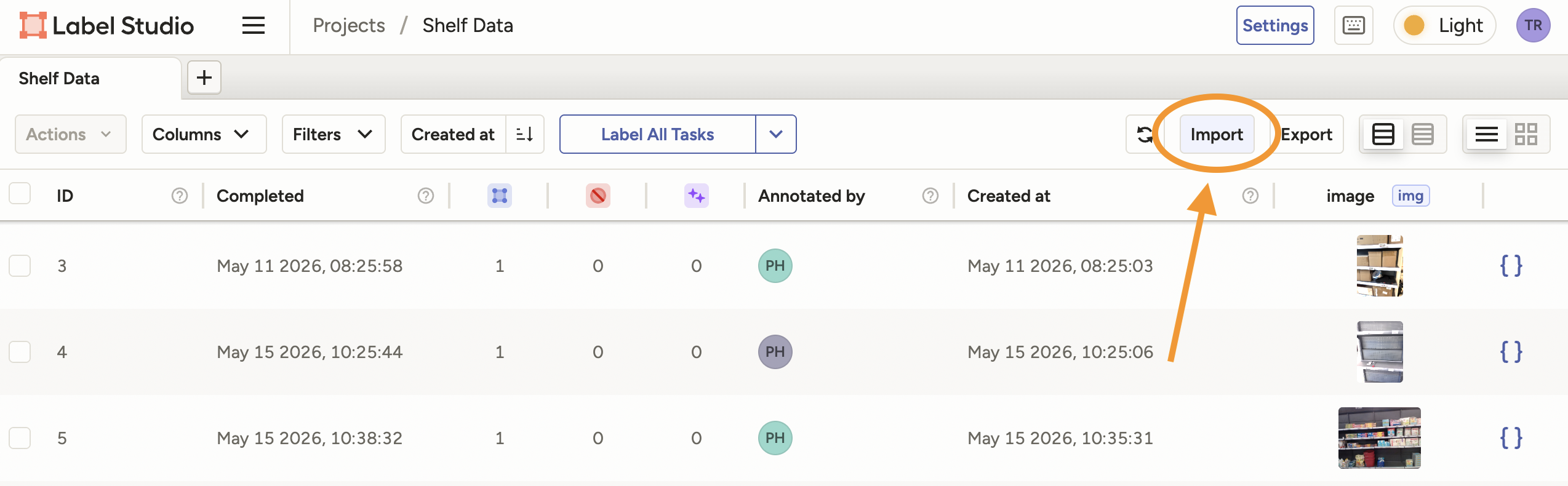
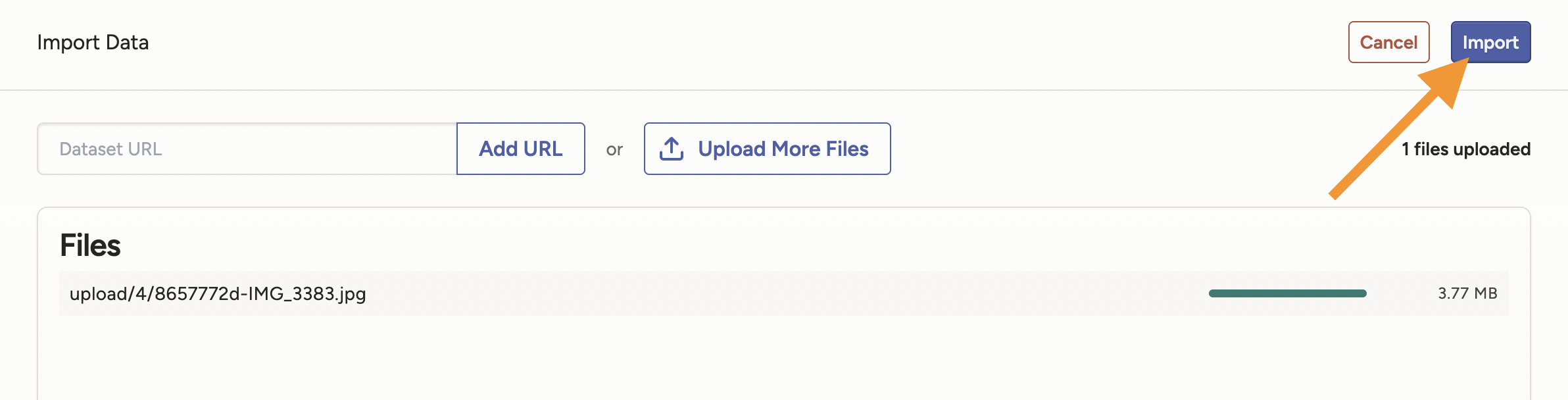
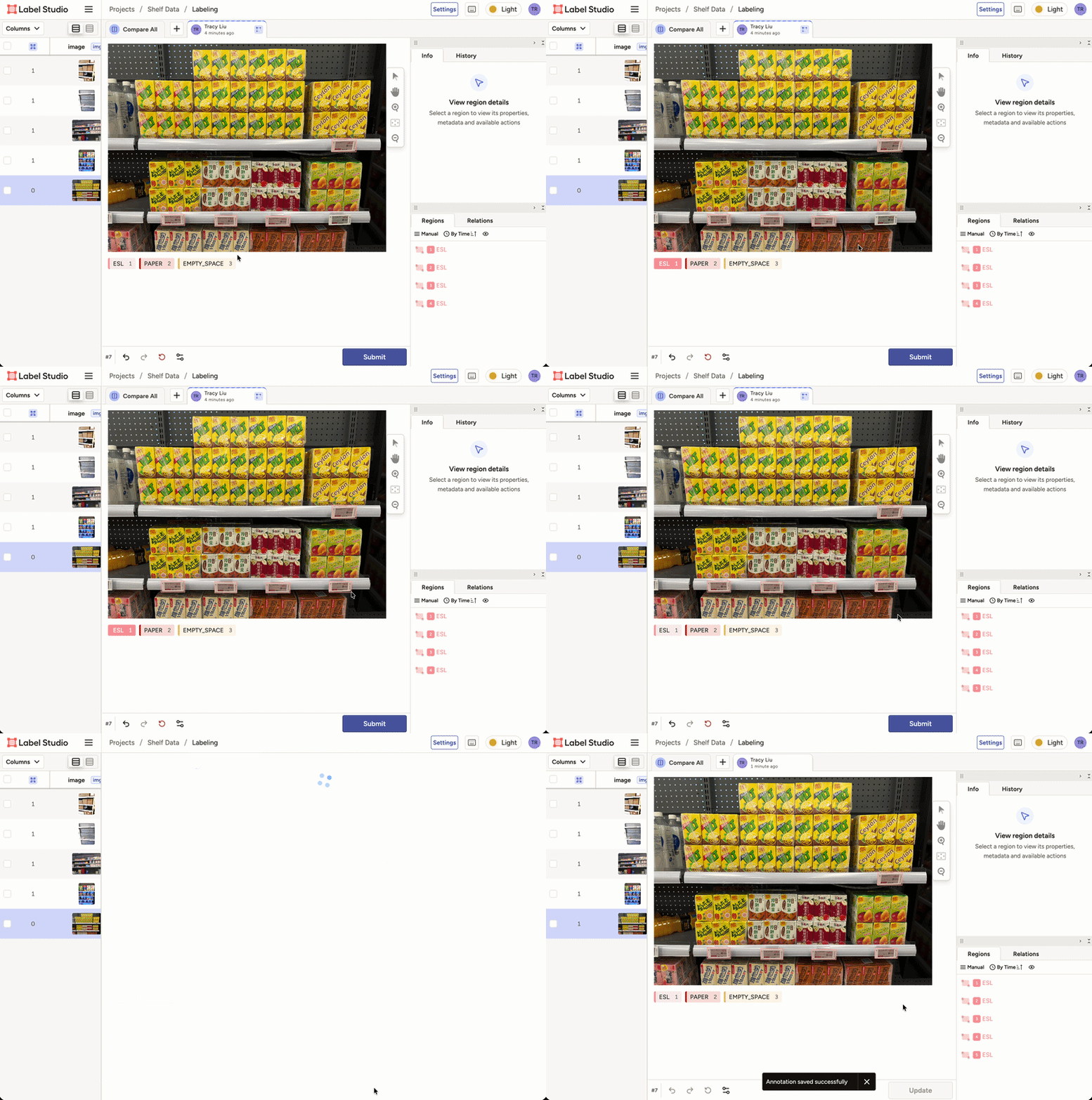
Please submit up to 50 photos per location, and up to 300 total photos per person.
Contributors will be rewarded 30 $AUKI tokens per valid annotation.
The robot we've described — connected to the real world web, running Cactus, doing shelf audits and later store mapping — is a $100/day value proposition that can be deployed this year.
But first we need Cactus to reliably read a shelf. A vision model that handles every variant of ESL, every battered paper tag, every kind of gap, in any store the robot rolls into. The only way to get there is a lot of labelled images from a lot of different stores.
That's what your photos are for.
Questions? Come find us in Discord.
Auki is making the physical world accessible to AI by building the real world web: a way for robots and digital devices like smart glasses and phones to browse, navigate, and search physical locations.
70% of the world economy is still tied to physical locations and labor, so making the physical world accessible to AI represents a 3X increase in the TAM of AI in general. Auki's goal is to become the decentralized nervous system of AI in the physical world, providing collaborative spatial reasoning for the next 100bn devices on Earth and beyond.
X | Discord | LinkedIn | YouTube | Whitepaper | auki.com